HairChanger guide
How Virtual Hair Try-On Works
A practical explanation of AI hairstyle previews, what they can show well, and what still needs a real salon consultation.
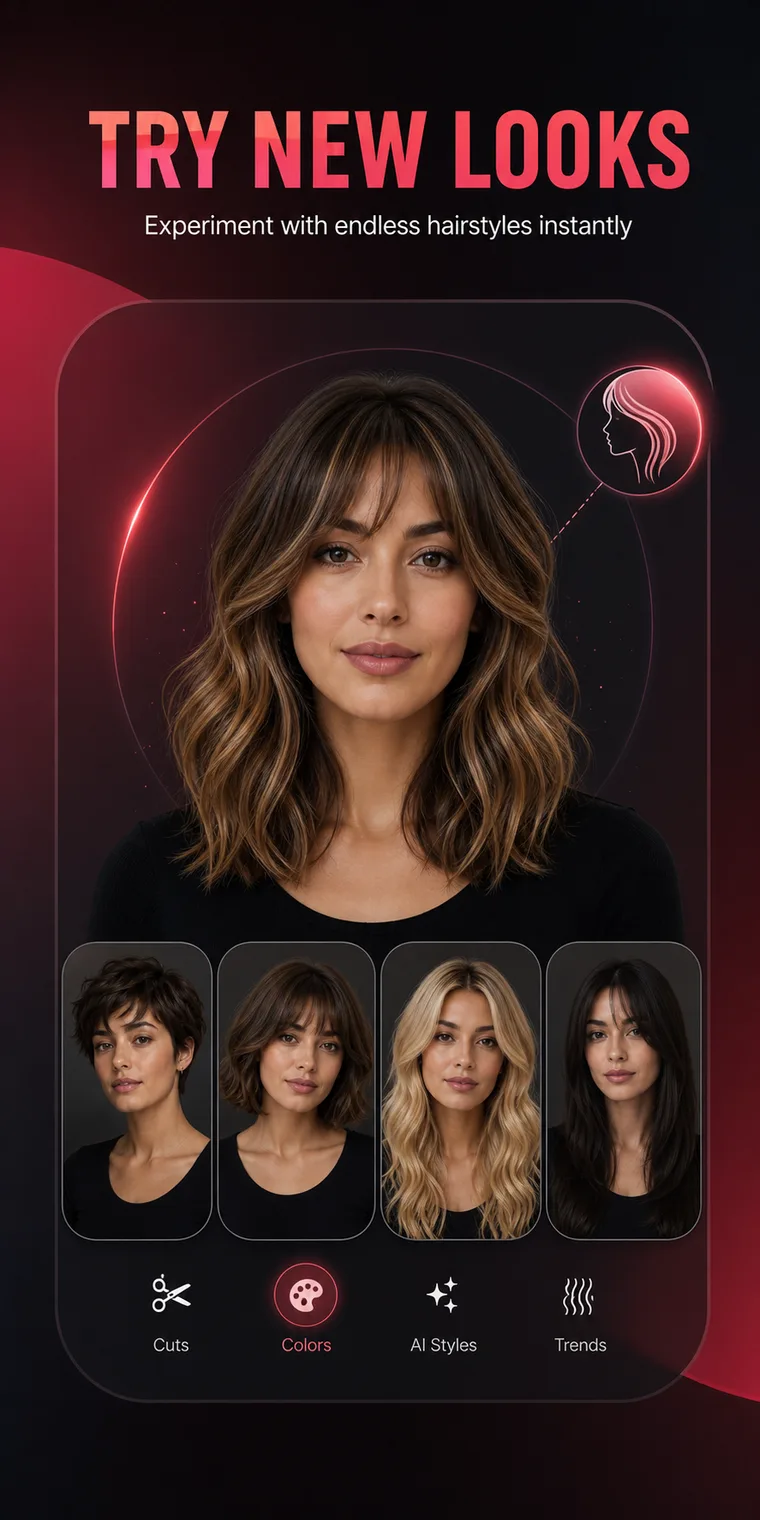
What the app changes
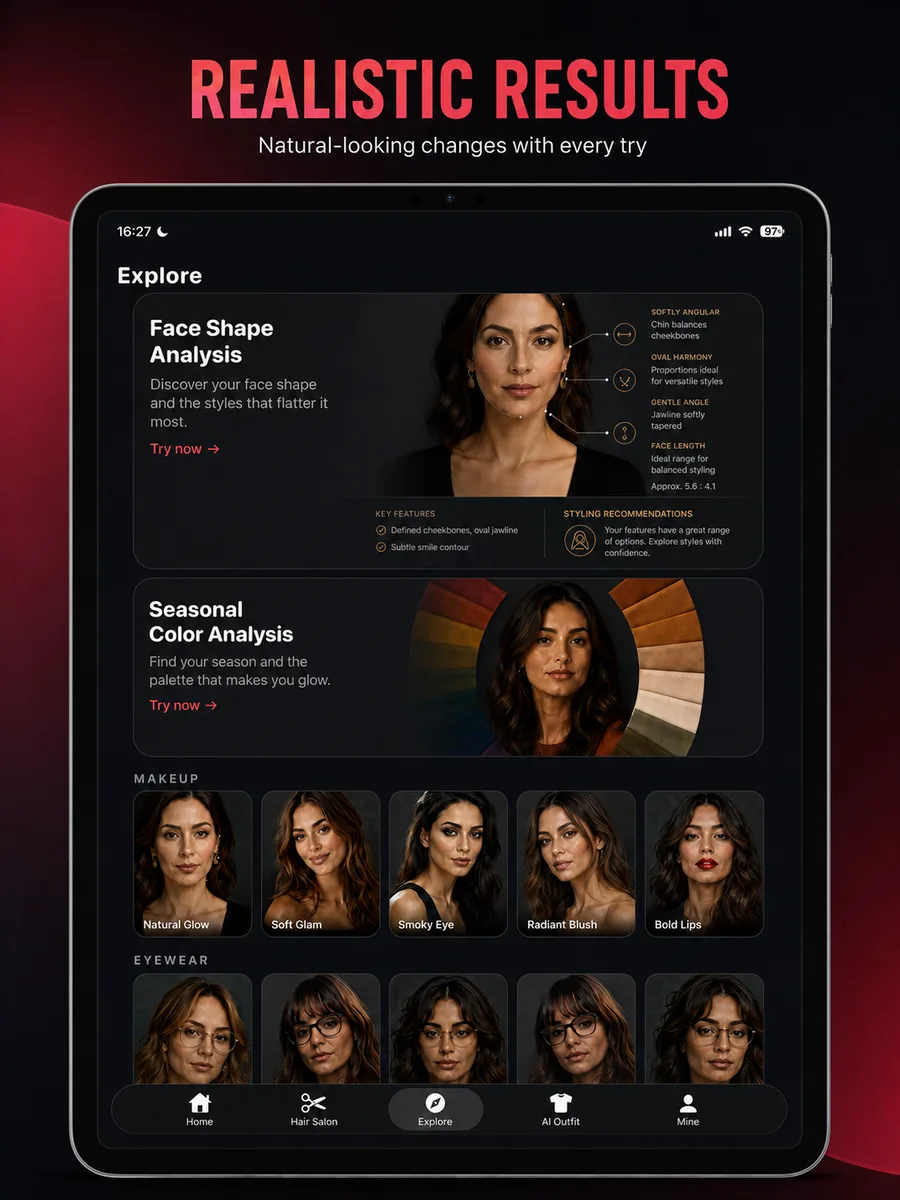
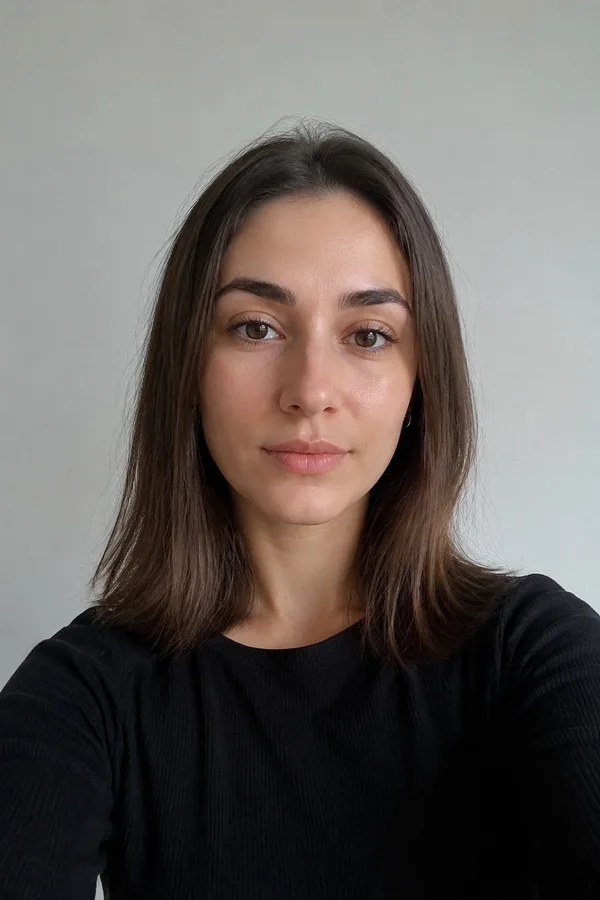
A hairstyle preview starts with the visible structure in your photo: face position, current hair boundary, lighting, and background. The system then creates a new image that keeps the person recognizable while changing the requested hair shape or color. It does not place a flat wig sticker over the photo. A useful result should rebuild hair volume, edges, shadows, and some interaction with the face.
What a preview can help you compare
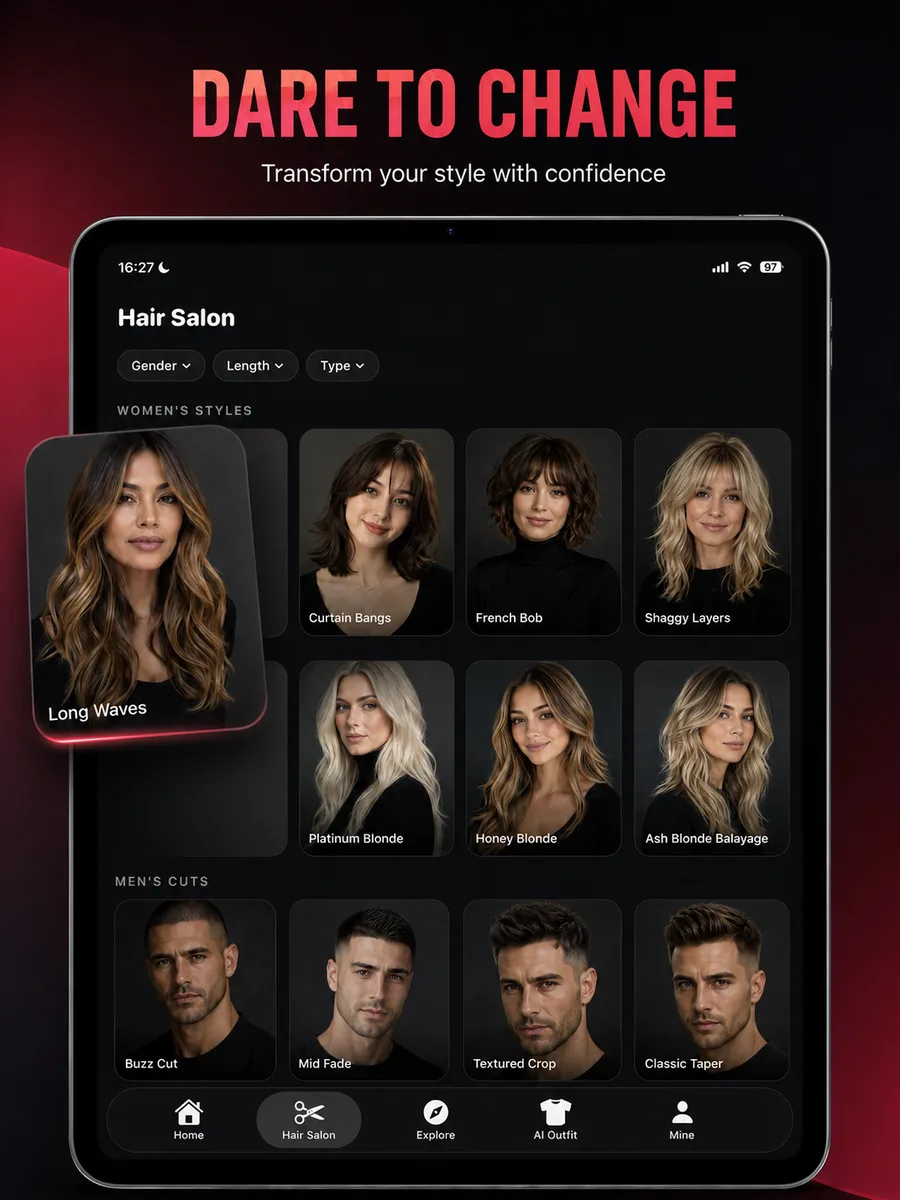
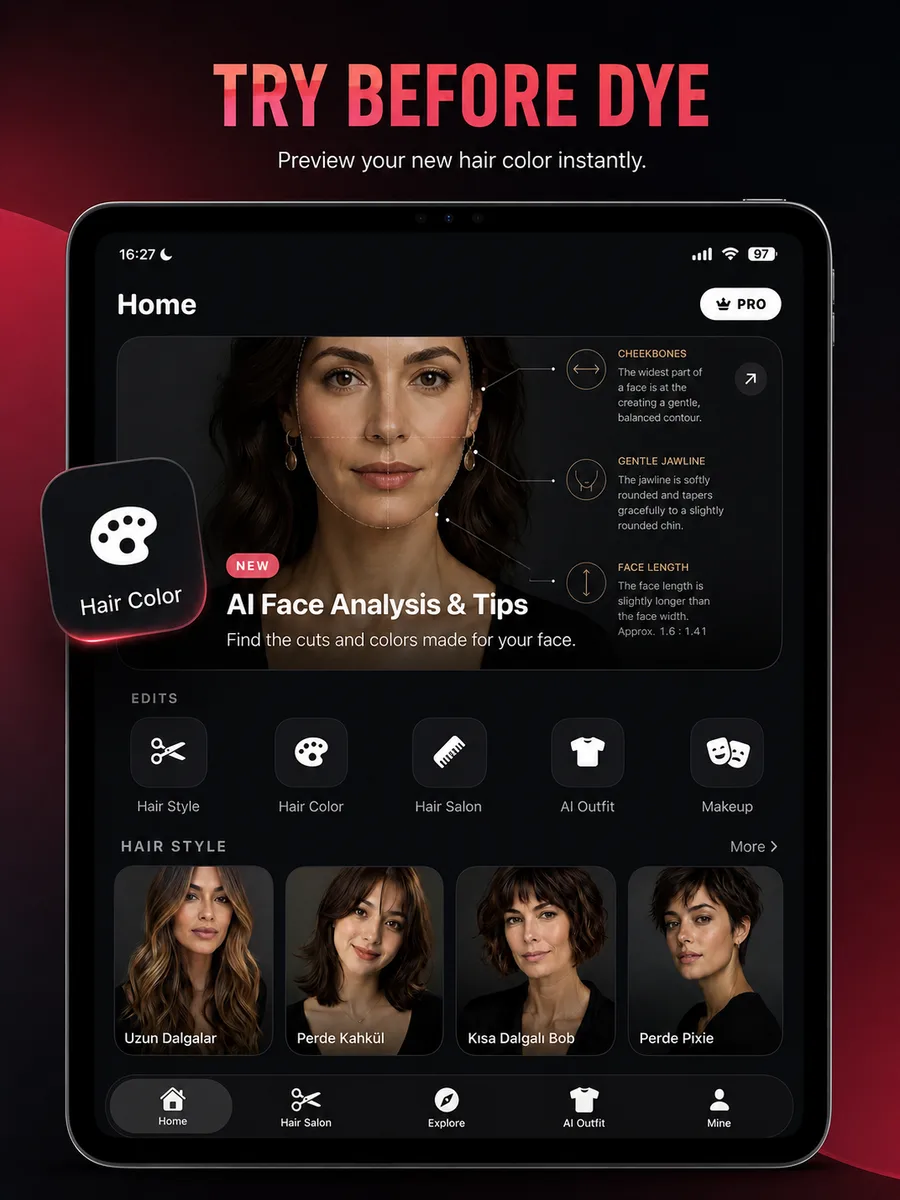
The strongest use is side-by-side decision making. You can compare a bob with long layers, warm copper with cool ash, or a low fade with a textured crop without making a permanent change. Pay attention to the outline around the cheeks, jaw, shoulders, and forehead. Those large visual relationships are usually more useful than inspecting every individual strand.
- Overall length and perimeter
- Fringe placement and visible forehead
- Warm versus cool color direction
- Top height and side volume
- How a cut works with glasses, facial hair, or clothing
Where the result has limits
A generated image cannot test elasticity, porosity, curl shrinkage, density, scalp condition, previous dye, or how much lift your hair can safely tolerate. It may also idealize shine and styling. Treat the image as a communication reference, not a guarantee that one appointment will reproduce every detail. A stylist should translate the visual goal into a safe cutting and color plan.
How to use the preview at a salon
Bring two or three preferred previews, plus one image of your current hair in natural light. Explain which parts matter most: the jaw-length line, the soft curtain fringe, the root depth, or the amount of curl. This gives the stylist room to adapt the idea while preserving the decisions that made you choose it.