Silhouette
Look at total length, top height, and the outline around the face and shoulders.
How HairChanger works
The strongest comparison keeps the source image consistent and changes a single visual direction before moving to the next choice.
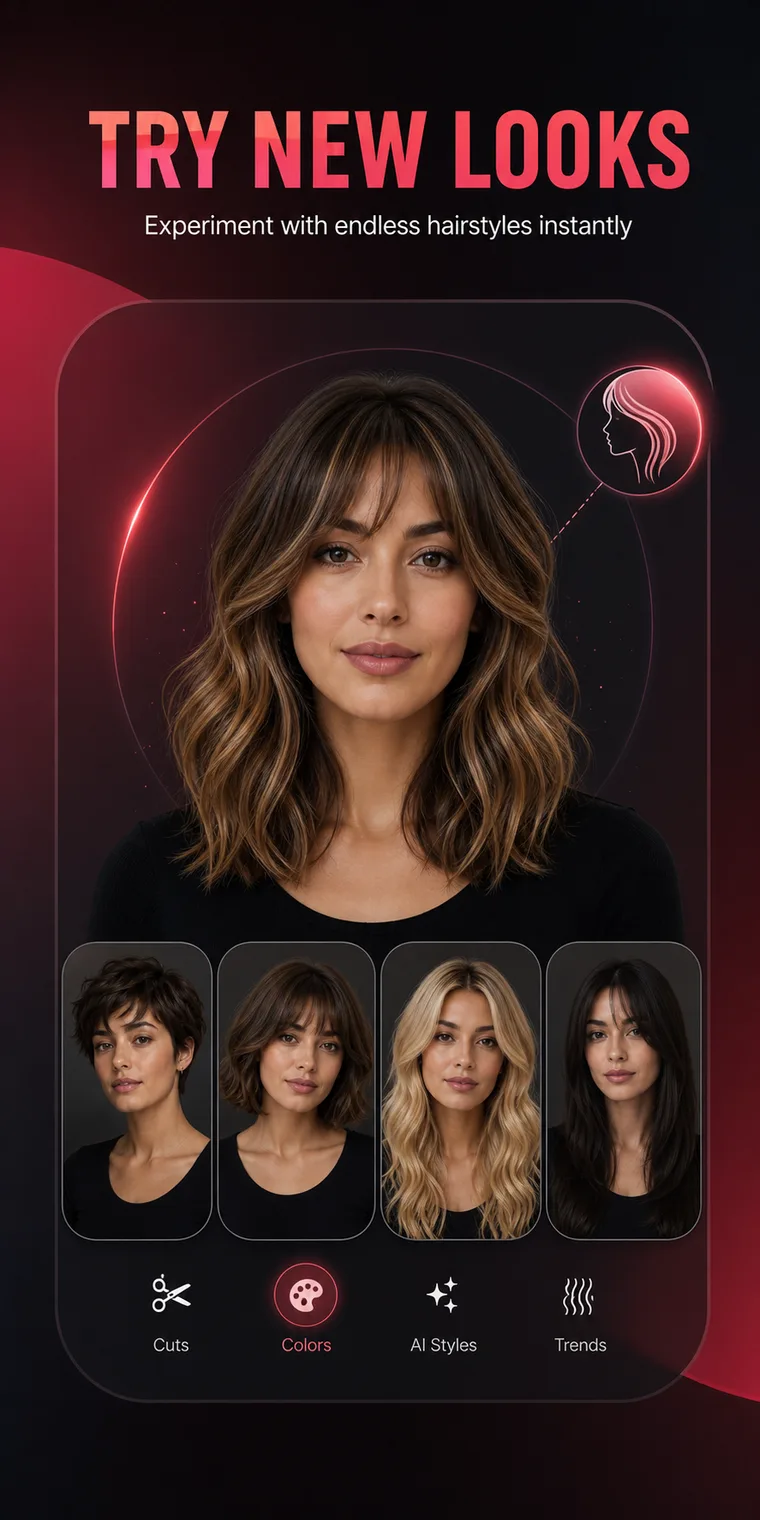
HairChanger sends the selected photo to a generation service, receives a newly created image or video, and returns it to the app. The result is a visual reference, not a prediction of exact salon feasibility.
Four-step process
Keep each step intentional so the generated image remains useful after the novelty wears off.
Use soft light, a neutral camera angle, and enough room around the head and shoulders.
Choose a named haircut, hair color, beard, analysis, makeup, or outfit preset.
The photo is securely sent through the HairChanger backend to the configured AI generation provider.
Review the large visual changes, save useful references, and ask a professional to adapt the idea.
What happens to the image


Review the right details
Look at total length, top height, and the outline around the face and shoulders.
Check where fringe, cheek-level width, jaw lines, and color brightness sit.
Ask whether the real cut or color fits your styling time, budget, and salon frequency.
Let a professional assess density, texture, shrinkage, growth, condition, and chemical history.
Frequently asked questions
Short answers to the practical questions people ask before trying a new look.
No. The generation process creates a new image intended to preserve the person while rebuilding the requested hair or style direction.
Use soft front light, an eye-level camera, a visible hairline and jaw, minimal blur, no beauty filter, and enough background around the hair.
AI generation is not fully deterministic. Small differences can appear even with the same photo and preset.
Bring the original photo and two or three preferred previews. Explain the exact fringe, perimeter, top height, side contrast, or color direction you want to preserve.
Try it on your photo
Use HairChanger to compare haircuts, colors, and complete style directions before making a permanent change.
Download on the App Store