Real haircut references
Explore bobs, layers, bangs, curls, short cuts, fades, and longer styles based on recognizable salon categories.
AI hairstyle changer
Upload one clear photo, choose a hairstyle, and compare a realistic preview before you cut, color, or restyle your hair.
An AI hairstyle changer creates a new version of your photo with a selected haircut or hair color while keeping your face and overall identity recognizable. HairChanger is designed for visual comparison: test several looks, save the strongest options, and take a focused shortlist to your salon.
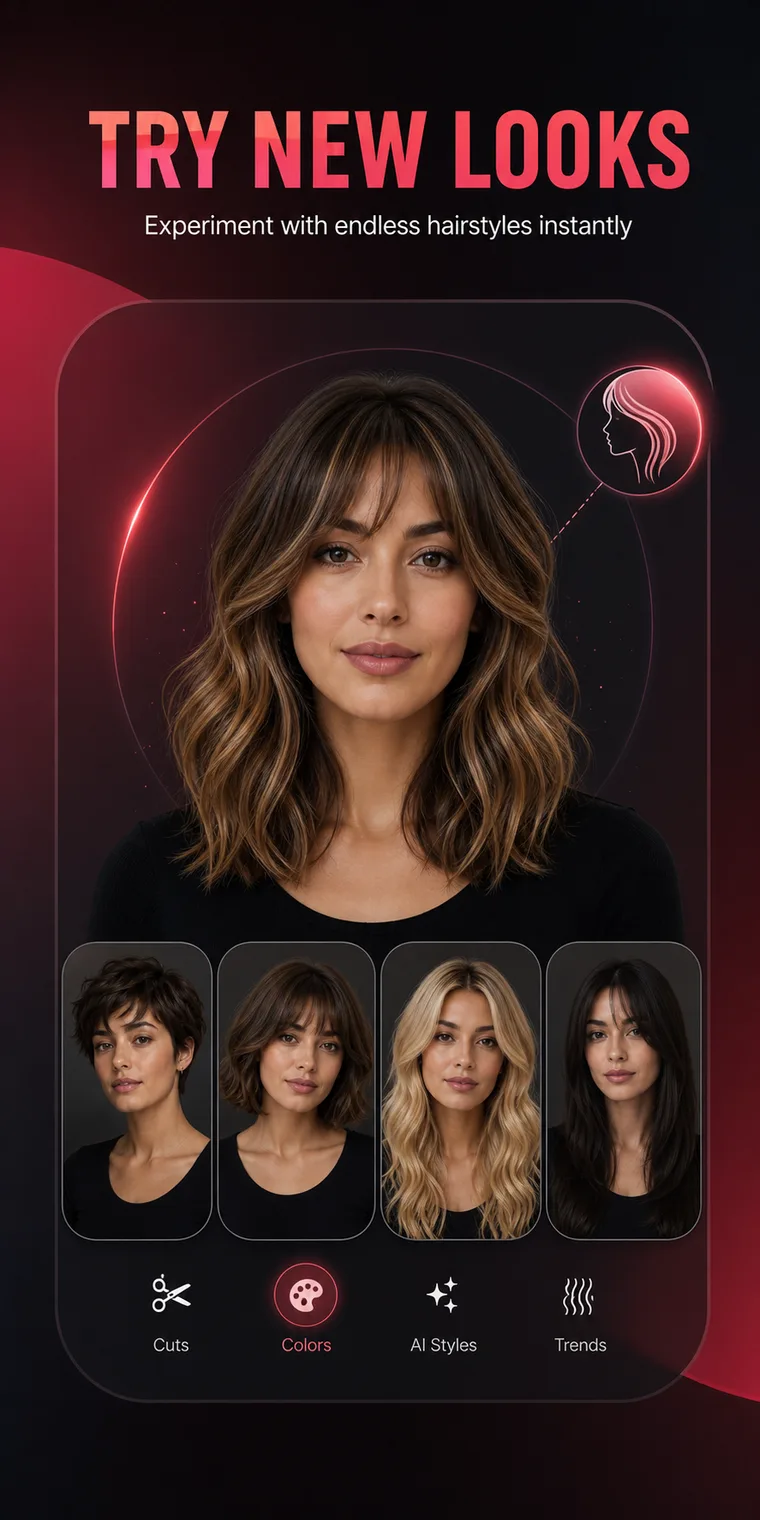
What you can do
The app is built around recognizable choices and repeatable comparisons, not a blank prompt or a one-off novelty effect.
Explore bobs, layers, bangs, curls, short cuts, fades, and longer styles based on recognizable salon categories.
Compare shape and color on the same source image so the hairstyle is the main variable.
Save previews, compare the face frame and silhouette, then use the images during a real consultation.
The app includes men's cuts, beard looks, face-shape analysis, color seasons, makeup, and complete outfit previews.
Simple process
Keep the source image consistent, review the large visual changes, and save only the options that fit your real routine.
Use a front or slight three-quarter portrait with even light and a visible hairline.
Browse women's styles, men's cuts, multi-view hair, hair colors, and related appearance tools.
HairChanger creates a new image so you can judge the overall shape, length, and contrast.
Keep two or three useful options and note the detail you want to reproduce.
Practical guidance
A useful preview should help you answer a specific question. Does a jaw-length bob feel too sharp or exactly right? Do curtain bangs open the face more than a blunt fringe? Does honey blonde feel more natural than ash blonde? Start with one decision, compare on the same photo, and judge the large shape before small rendering details.
HairChanger includes long waves, butterfly layers, French bobs, pixies, wolf cuts, curly shags, curtain bangs, men's crops, fades, quiffs, buzz cuts, beard styles, and fourteen hair color directions. Multi-view presets can also help you think beyond a single front image.
A generated preview does not inspect hair condition, density, porosity, curl shrinkage, or chemical history. Bring it to a stylist as a visual brief. Explain the important detail, disclose your hair history, and let the stylist adapt the goal into a safe, maintainable service.
Frequently asked questions
Short answers to the practical questions people ask before trying a new look.
Yes. HairChanger uses a photo you choose as the basis for hairstyle and color previews.
Yes. Men's options include buzz cuts, crew cuts, textured crops, fades, quiffs, undercuts, curly styles, and more.
Not necessarily. The preview is a planning reference; texture, density, condition, and technique affect the real result.
Try it on your photo
Test the direction, save the useful images, and bring a clearer reference to the next appointment.
Download on the App Store