HairChanger support

Solve the common issue first.

Use the checks below for generation, photo, result, credit, and subscription problems. If the issue remains, send a focused support email.

Email support
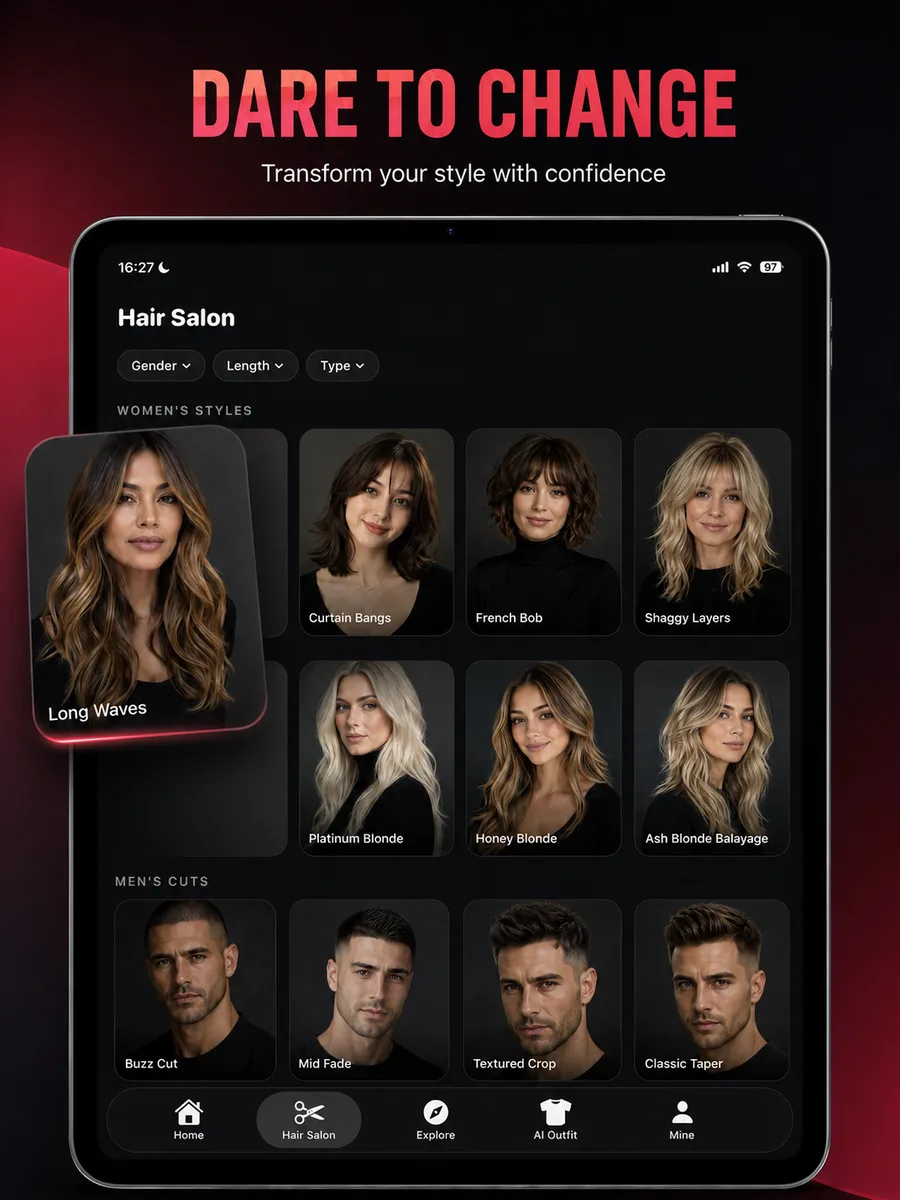
HairChanger app hair salon screen

Quick checks

Most generation issues start here.

Work through these in order before repeating a paid generation.

  1. 01

    Check the photo

    Use a clear JPEG, PNG, HEIC, or HEIF portrait with the face, hairline, jaw, and shoulders visible.

  2. 02

    Check the connection

    Keep HairChanger open on a stable connection while the job is processing and downloading.

  3. 03

    Check the feature

    Confirm the selected preset belongs to the feature you opened. Video results can take longer than image previews.

  4. 04

    Check your credits

    If the app reports insufficient credits, review the current balance and subscription status before trying again.

Subscriptions

Restore and manage access

Use Restore Purchases inside HairChanger for an active subscription purchased with the same Apple Account. To change or cancel a subscription, open iPhone Settings, tap your name, then Subscriptions.

Apple billing support

Refunds

Apple reviews refund requests

HairChanger does not receive your card details and cannot issue an App Store refund directly. Apple decides eligibility and sends the outcome to the Apple Account used for purchase.

Request through Apple

If you still need help

Send enough detail to reproduce the problem.

Include the feature and preset, iPhone model, iOS version, approximate time of the issue, and the exact error shown. A screenshot is useful after private information is removed. Never send a password or full payment details.

Contact [email protected]

Frequently asked questions

Support questions

Short answers to the practical questions people ask before trying a new look.

Why did my generation fail?

Check your connection, use a supported JPEG, PNG, HEIC, or HEIF image, keep the file under the in-app limit, and try a clear photo with one visible face. Temporary generation service errors can also occur.

When are credits used?

Credits are intended to be deducted only after a generation completes successfully. The required amount can vary between image and video features.

How do I restore a subscription?

Open HairChanger, go to the account or settings area, and choose Restore Purchases. Make sure the device uses the Apple Account that completed the purchase.

Where are saved people and history stored?

Saved people and local history are stored on your device. Generated result files are also retained on HairChanger servers so the app can retrieve them; see the Privacy Policy for full details.

How do I request a refund?

App Store billing and refund eligibility are controlled by Apple. Use Apple's Report a Problem service or Apple Support.

How do I report a privacy issue?

Email [email protected] with the subject HairChanger privacy request and include any result link or job reference you still have.