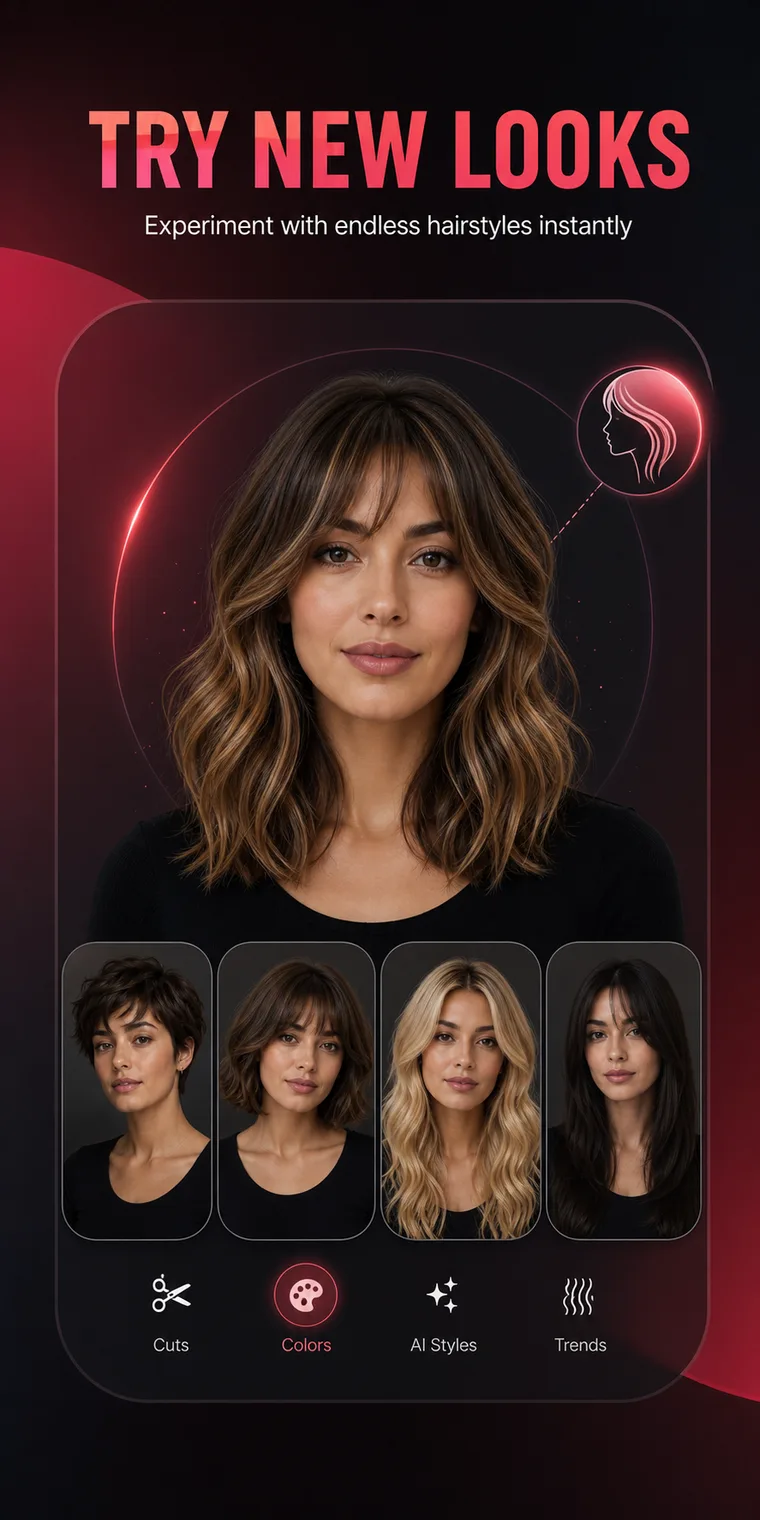
What is HairChanger?
HairChanger is an iPhone appearance-preview app centered on hairstyles and hair color. It also includes men's cuts, beard styles, face-shape concepts, makeup, seasonal color, accessories, and outfit directions.
Frequently asked questions
Understand what the app can show, what it cannot guarantee, how credits and purchases work, and what happens to selected photos.
HairChanger is a visual planning tool. It helps compare style direction, but it does not replace a real assessment by a stylist, barber, colorist, dermatologist, or other qualified professional.
Frequently asked questions
What HairChanger does and how to interpret a generated result.
HairChanger is an iPhone appearance-preview app centered on hairstyles and hair color. It also includes men's cuts, beard styles, face-shape concepts, makeup, seasonal color, accessories, and outfit directions.
Yes. You can choose or take a photo, then select a supported feature and preset. A clear front or slight three-quarter portrait usually gives the most useful comparison.
No. The result is a planning image. Real texture, density, growth pattern, condition, chemical history, lighting, and professional technique affect the outcome.
Yes. The app includes named men's haircut directions such as buzz cut, crew cut, textured crop, quiff, undercut, curly fade, man bun, modern mullet, and afro taper.
Yes. Beard and mustache directions include clean shaven, stubble, goatee, full beard, Van Dyke, anchor beard, Viking beard, and several other options.
No. A safe formula depends on starting color, previous dye, porosity, condition, allergies, and the product system. Use a preview to discuss direction with a qualified colorist.
Frequently asked questions
How access, purchase restoration, and subscription controls work.
The current app does not use a conventional email-and-password account. A random app identifier is stored in the iCloud Keychain and used to connect subscription credits across supported devices.
Features can have different credit costs. Credits are intended to be deducted after a result is completed. Subscription allotments may reset rather than roll over.
Use Restore Purchases in the HairChanger settings area while signed in to the Apple Account that completed the purchase.
Open iPhone Settings, tap your name, tap Subscriptions, select HairChanger, and use the available subscription controls.
Frequently asked questions
The short answers about server processing, retained results, and deletion requests.
Yes. A selected photo is sent through the HairChanger backend to the configured AI generation provider so the requested image or video can be created.
Generated images and videos are currently retained on HairChanger servers without a fixed automatic expiration so the app can retrieve them. See the Privacy Policy for deletion request details.
HairChanger does not sell personal data. Service providers process limited data to deliver generation, subscription, payment, hosting, support, and consented website analytics functions.
Email [email protected] with the subject HairChanger privacy request. Include any result link or job reference you still have so the relevant stored media can be located.
Try it on your photo
Use HairChanger to compare haircuts, colors, and complete style directions before making a permanent change.
Download on the App Store