Test major length changes
Compare long hair with a bob, lob, pixie, crop, buzz, or other shorter silhouette.
Haircut simulator
See how a major length change affects the face frame, neck, shoulders, and overall silhouette before committing.
A haircut simulator uses a personal photo to create visual alternatives such as a pixie, bob, fringe, layered cut, crop, fade, or buzz cut. The result is not a cutting blueprint, but it can reveal which length and shape deserve a professional consultation.
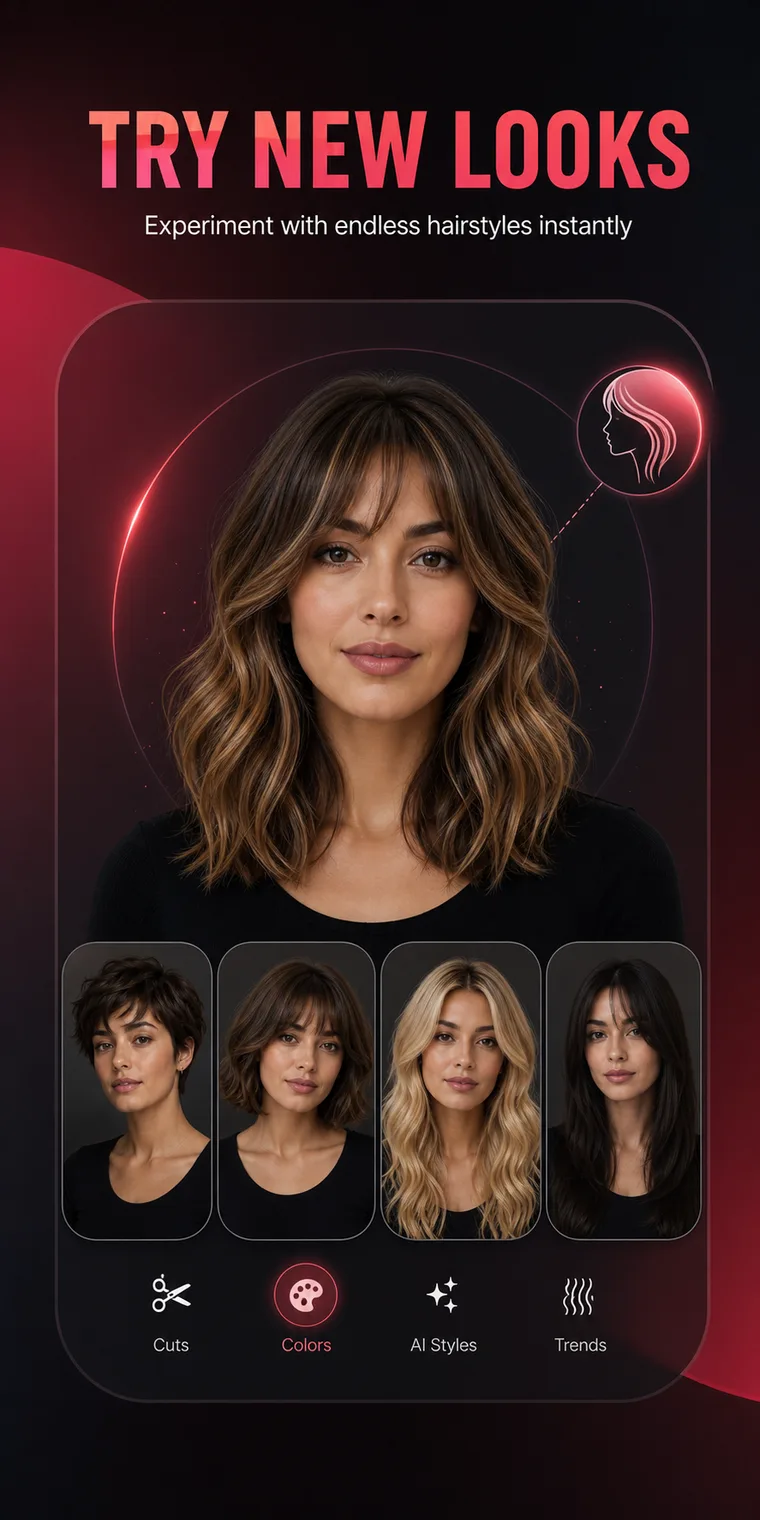
What you can do
The app is built around recognizable choices and repeatable comparisons, not a blank prompt or a one-off novelty effect.
Compare long hair with a bob, lob, pixie, crop, buzz, or other shorter silhouette.
Short cuts change the relationship between hair, jaw, neck, clothing, and shoulders.
Try curtain bangs, blunt fringe, or a face frame without changing the rest of the cut first.
Save different options and revisit them before the appointment instead of deciding under pressure.
Simple process
Keep the source image consistent, review the large visual changes, and save only the options that fit your real routine.
Test one moderate change before jumping directly to the shortest option.
Look at cuts ending near the cheek, jaw, collarbone, and shoulders.
Consider styling time, tie-back ability, trim frequency, and grow-out.
Let the stylist translate the preferred silhouette to your density and texture.
Practical guidance
A haircut does more than remove inches. It reveals or covers the neck, changes where the eye meets a horizontal line, shifts volume around the cheeks or jaw, and changes how clothing necklines appear. A simulator is especially useful when the proposed cut crosses one of those landmarks.
A pixie, precision bob, undercut, and skin fade have different maintenance schedules. Ask whether the cut can still feel intentional after six or ten weeks. If frequent appointments are not realistic, preview a softer version with more blended edges.
The preview may show idealized density, curl, or styling. A stylist should assess cowlicks, shrinkage, damaged ends, and the cutting plan. Treat the image as a strong conversation starter rather than a promise.
Frequently asked questions
Short answers to the practical questions people ask before trying a new look.
Yes. HairChanger includes pixie, bob, crop, fade, buzz, crew, and other short directions.
HairChanger includes multi-view concepts for selected hairstyles, but a real consultation is still needed for the exact back and neckline.
The source photo provides visual context, but real shrinkage, density, and styling behavior require professional assessment.
Try it on your photo
Test the direction, save the useful images, and bring a clearer reference to the next appointment.
Download on the App Store