Personal context
See the style with your face, glasses, facial hair, clothing, and shoulder line rather than on a generic model.
Virtual hair try-on
A good reference photo can show more than a catalog model. Try the same cut on your face, jaw, shoulders, and current style context.
Virtual hair try-on lets you place a new haircut or color into a photo-based preview before making a physical change. It is most valuable for comparing overall silhouette, fringe placement, parting, side volume, and color direction on the same person.
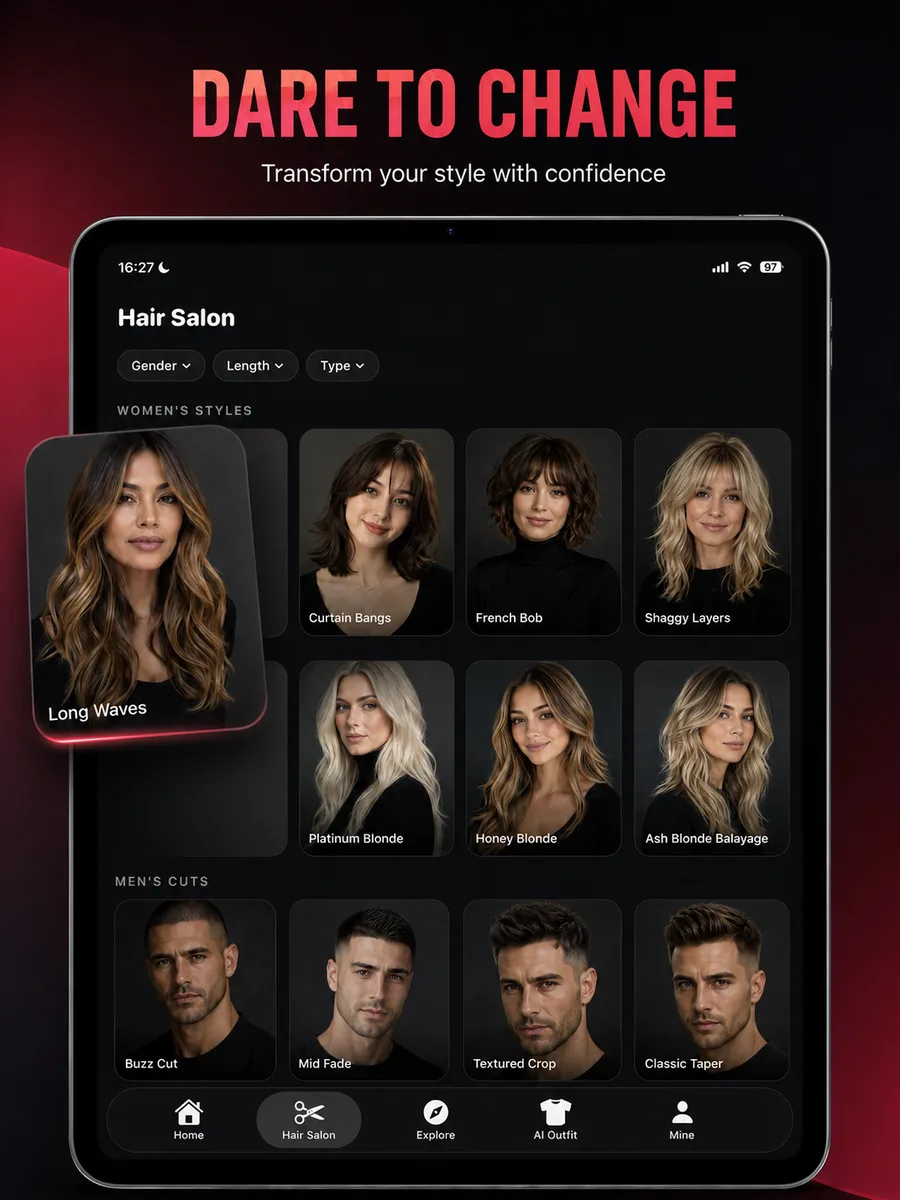
What you can do
The app is built around recognizable choices and repeatable comparisons, not a blank prompt or a one-off novelty effect.
See the style with your face, glasses, facial hair, clothing, and shoulder line rather than on a generic model.
Move from dozens of inspiration images to two or three options that make sense on your own photo.
Test bold colors, short cuts, fringe, or a different part before changing your real hair.
Use the preview to point to the exact length, face frame, or color family you care about.
Simple process
Keep the source image consistent, review the large visual changes, and save only the options that fit your real routine.
Keep the camera near eye level and include the full head, jaw, neck, and shoulders.
Compare cuts first, then test color on the strongest one or two shapes.
Check forehead, cheek width, jaw line, neckline, and crown height in each preview.
Use the images to explain your goal, not to replace a professional assessment.
Practical guidance
One preview can be entertaining, but a consistent comparison is more useful. Generate several styles from the same source photo and look at the same facial landmarks. This reduces the chance that a different pose or light makes one option seem better for reasons unrelated to the haircut.
Look at where the fringe changes the forehead, where the side volume sits relative to the cheeks, where the perimeter crosses the jaw or shoulders, and how much height appears at the crown. These structural changes explain most of the visual difference between cuts.
The image cannot feel density, test a cowlick, predict humidity, assess damage, or determine whether color can be lifted safely. Those questions belong in the salon consultation. Use the preview to arrive with a clear visual direction and realistic flexibility.
Frequently asked questions
Short answers to the practical questions people ask before trying a new look.
HairChanger is a free download on the App Store. Your available credits and any optional subscription terms are shown inside the app before you buy.
A clear front or slight three-quarter view with soft light is the most useful starting point.
Yes. HairChanger includes natural, blonde, brunette, red, pastel, and cool fashion color directions.
Try it on your photo
Test the direction, save the useful images, and bring a clearer reference to the next appointment.
Download on the App Store